Process automation · Hyperautomation
Process automation agent
Connects the channels through which work arrives —EDI, email, messaging or a simple photo— with your ERP, and validates every document before it moves on. What doesn't add up doesn't pass: it reaches a person with the reason.
- Capture by EDI, email, messaging or a photo
- Validation against the ERP with a custom checklist
- Confirmations and delivery notes back to the customer
PDF · A4 · one page
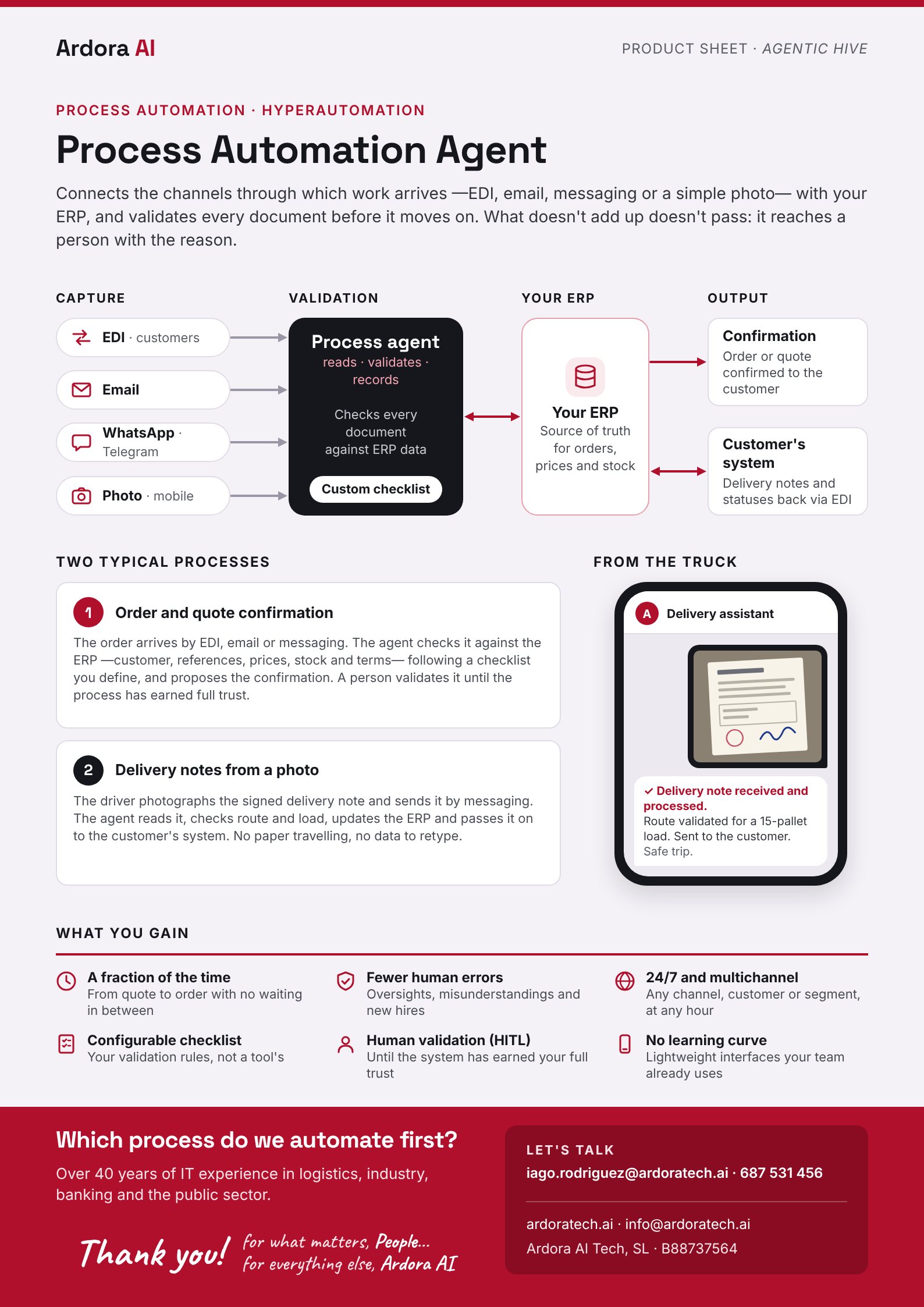
From channel to ERP
- 1
Capture
Customer EDI, email, WhatsApp or Telegram, or a photo from a phone.
- 2
Validation
Reads, validates and records: checks every document against ERP data with a custom checklist.
- 3
Your ERP
Source of truth for orders, prices and stock.
- 4
Output
Order or quote confirmed to the customer; delivery notes and statuses sent back via EDI to the customer's system.
Two typical processes
1 · Order and quote confirmation
The order arrives by EDI, email or messaging. The agent checks it against the ERP —customer, references, prices, stock and terms— following a checklist you define, and proposes the confirmation. A person validates it until the process has earned full trust.
2 · Delivery notes from a photo
The driver photographs the signed delivery note and sends it by messaging. The agent reads it, checks route and load, updates the ERP and passes it on to the customer's system. No paper travelling, no data to retype.
What you gain
A fraction of the time
From quote to order with no waiting in between.
Fewer human errors
Oversights, misunderstandings and new hires.
24/7 and multichannel
Any channel, customer or segment, at any hour.
Configurable checklist
Your validation rules, not a tool's.
Human validation (HITL)
Until the system has earned your full trust.
No learning curve
Lightweight interfaces your team already uses.
Where a person decides
What doesn't add up doesn't pass: it reaches a person with the reason. And until a process has earned your full trust, a person validates every confirmation (HITL).